
ChatGPT Images 2.5: AI Image Generator
Use ChatGPT Images 2.5 on DeeVid to turn ideas into polished AI visuals for social media, marketing, product concepts, posters, illustrations, and more.
Key Features of ChatGPT Images 2.5
What's New in ChatGPT Images 2.5?
ChatGPT Images 2.5 improves both image creation and editing. Compared with Images 2.0, it produces sharper details and more natural lighting and textures while following complex visual instructions more reliably.
- It is also better at preserving people, objects, and other important subjects when working from reference images. During editing, the model focuses more precisely on the requested change instead of unnecessarily altering the entire image.
- For longer creative workflows, Images 2.5 maintains visual consistency more reliably across multiple rounds of edits. Generation latency has also been reduced by up to 50% compared with Images 2.0, making it easier to explore variations and refine concepts quickly.
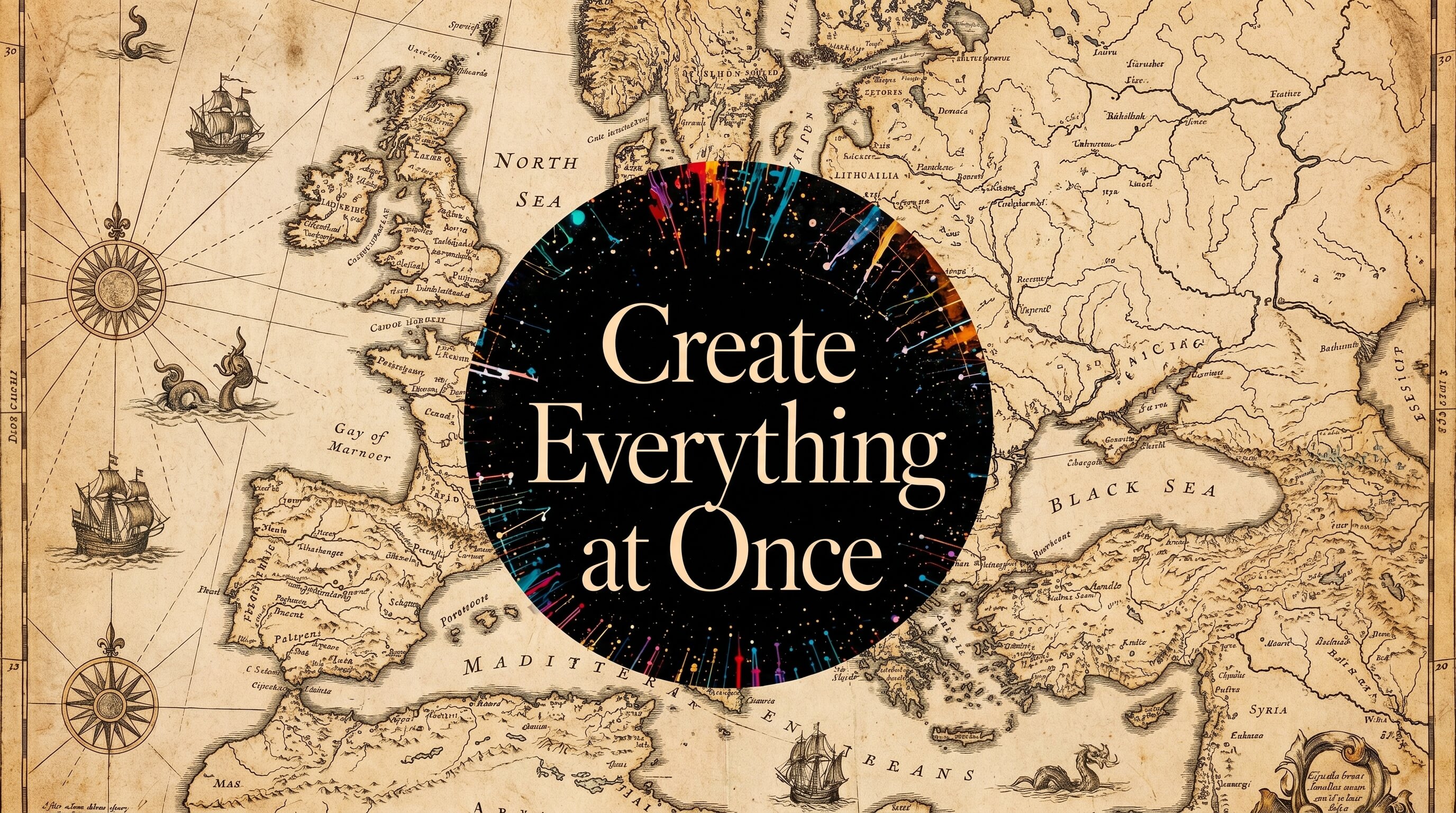
Create Images from Text with Sharper Details
Describe the image you want using natural language. Add details about the subject, setting, composition, lighting, colors, mood, camera angle, or visual style, and ChatGPT Images 2.5 turns your prompt into a complete visual. Its improved understanding of complex instructions makes it useful for everything from realistic scenes and product concepts to illustrations, posters, social graphics, and creative experiments.
Edit Images with More Precision
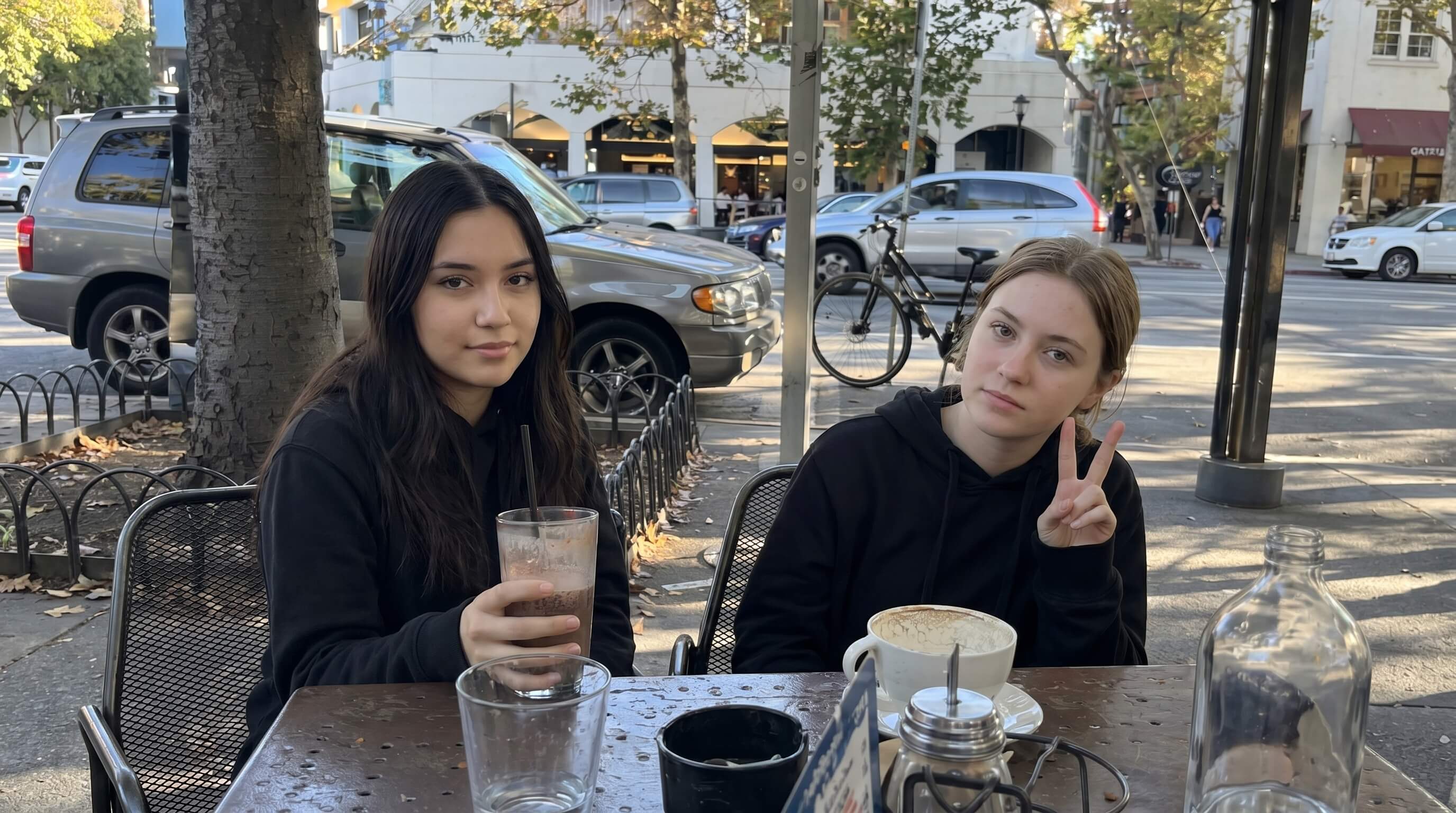
Upload an existing image and describe exactly what you want to change. ChatGPT Images 2.5 is better at making targeted edits while preserving details you did not ask to modify. You can change a background, adjust an object, update visual elements, modify text, or restyle part of an image without rebuilding the whole composition from scratch. This makes iterative editing faster and gives you more control over the final result.
Better Reference Fidelity and Multi-Turn Consistency
When you use a reference image, ChatGPT Images 2.5 is better at keeping important characteristics recognizable while changing the setting, style, composition, or surrounding details. It also performs more consistently across multiple editing turns. Earlier changes are more likely to remain intact as you continue refining the image, helping reduce unwanted visual drift during longer creative workflows.
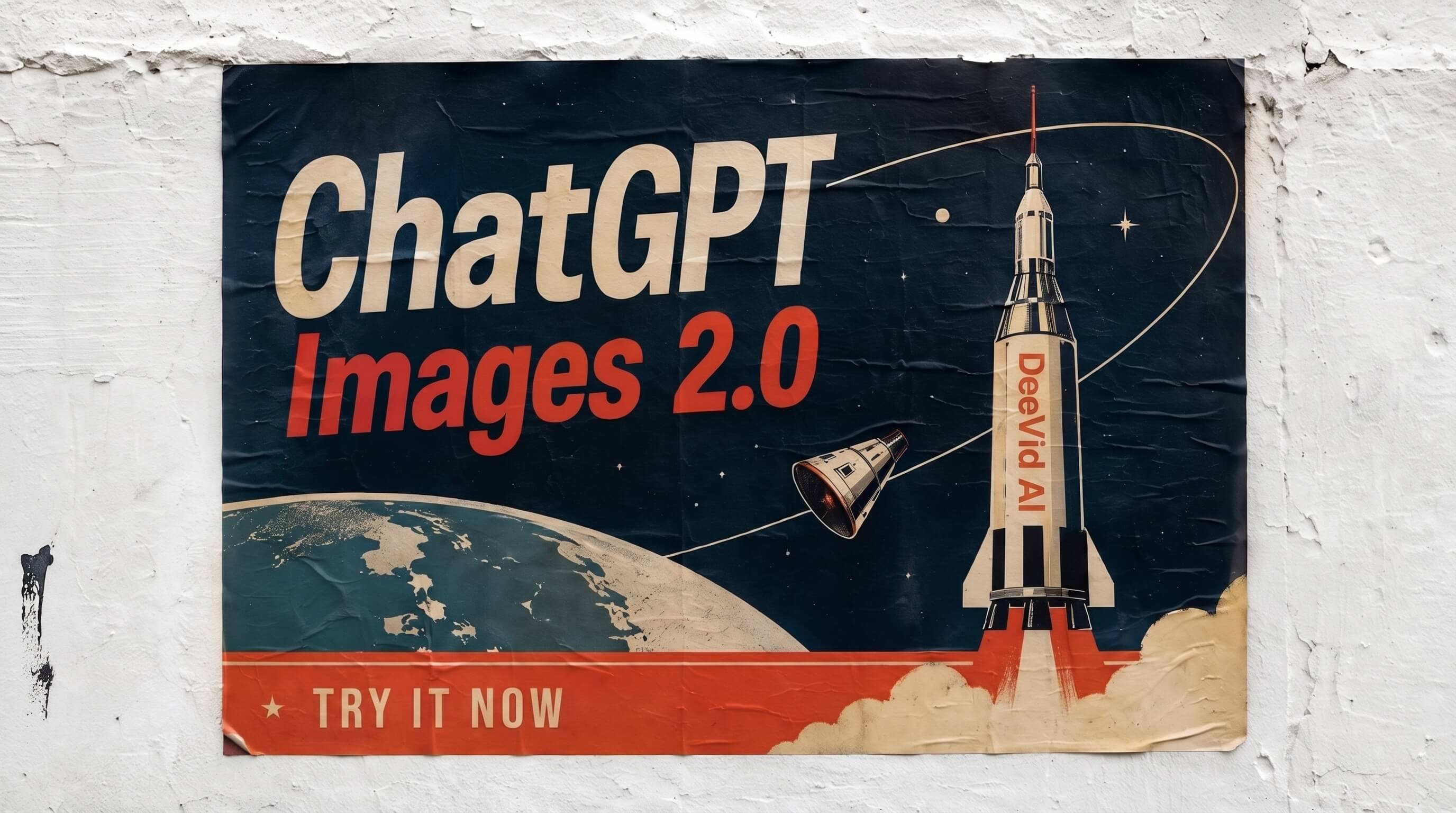
How to Use ChatGPT Images 2.5 on DeeVid
Other Best AI Image Generation Models to Try
FAQ
Ready to Create with ChatGPT Images 2.5?
Turn your ideas into images with faster generation, sharper details, and more precise editing. Try ChatGPT Images 2.5 on DeeVid and start creating AI visuals online.